

 Version
 Update Time
 Category
 Size
Size Download(608.29MB)
 1.5
1.5
 2.67MB
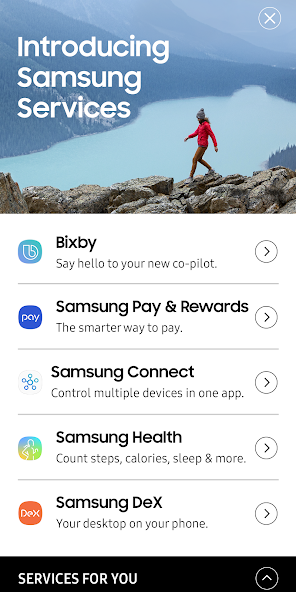
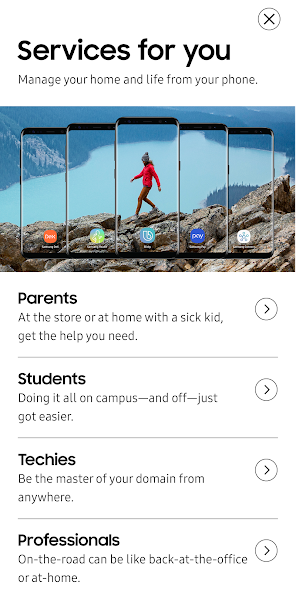
Retail mode app for Samsung Services
Retail mode app for Samsung Services
Note: The app is designed for WQHD+ resolution. For best experience, please follow the steps below to set device resolution to WQHD+.
1. Go to Settings -> Device Maintenance -> Battery -> Tap "OFF" to turn off power saving mode.
2. Go to Settings -> Display -> Screen resolution -> select "WQHD+". Tap "Apply" button on top right corner
3. Tap "Recents" button and tap "CLOSE ALL". Go to apps list and launch "Samsung Services" app.
 Users also viewed
See all
Users also viewed
See all
updated
updated

updated
updated
updated

updated
updated
updated

updated
updated

updated
updated
 Popular Games
See all
Popular Games
See all
updated

updated
updated

updated

updated
updated
updated

updated

updated

updated
updated

updated